
01
No neutral? Explore your options.
With compatible wiring and wall boxes, a single-live-wire model uses your existing live and lamp wires. No new control cable needed.
NO-NEUTRAL RETROFIT · MATTER LIGHTING
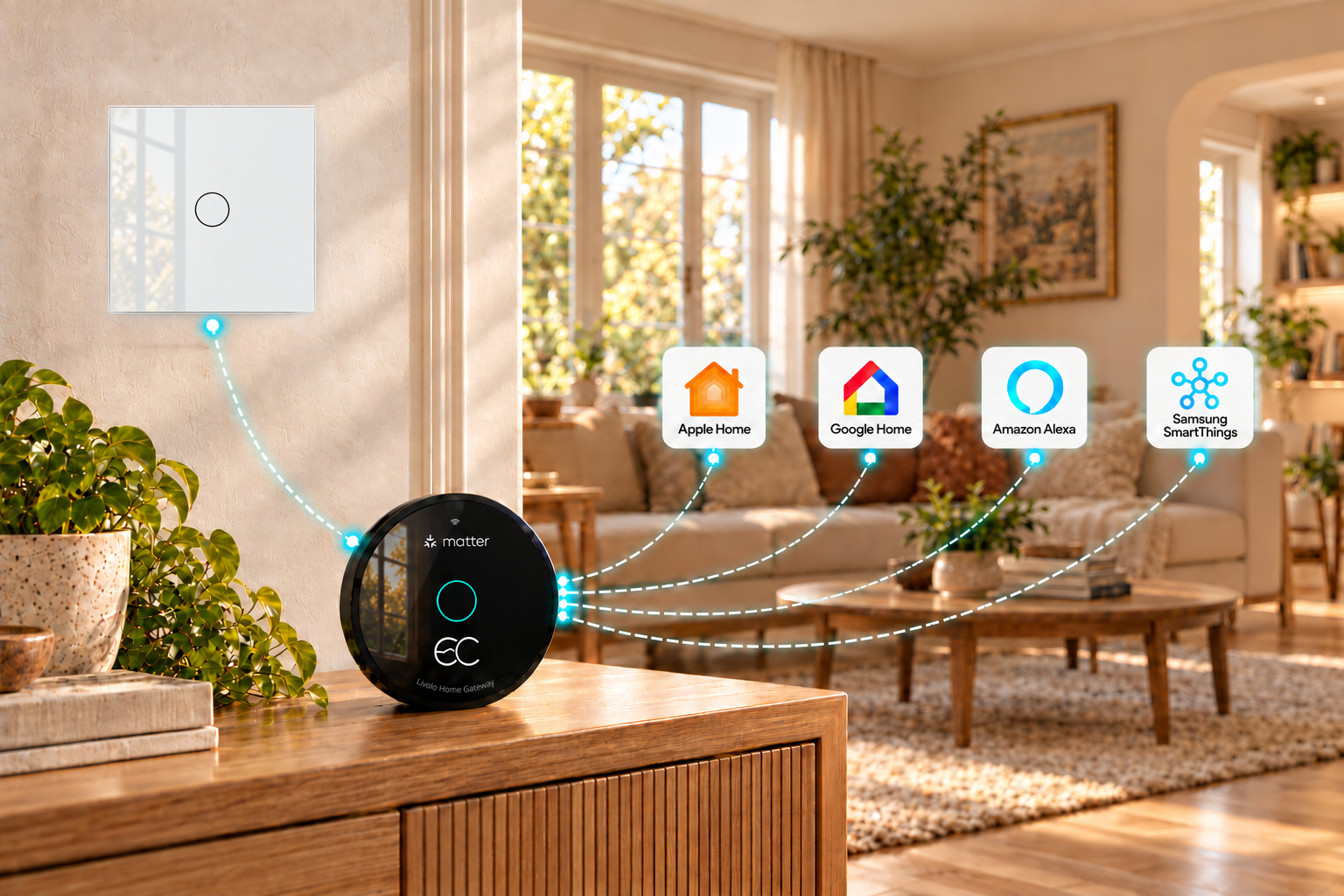
No neutral in your existing home? Pair LIVOLO single-live-wire smart switches with a Matter gateway for smarter lighting, without opening up the walls or running new cables. Supports leading platforms including Apple Home, Google Home, Alexa and Samsung SmartThings.
Explore retrofit solutions ↓FAMILIAR WIRING. SMARTER EVERYDAY.
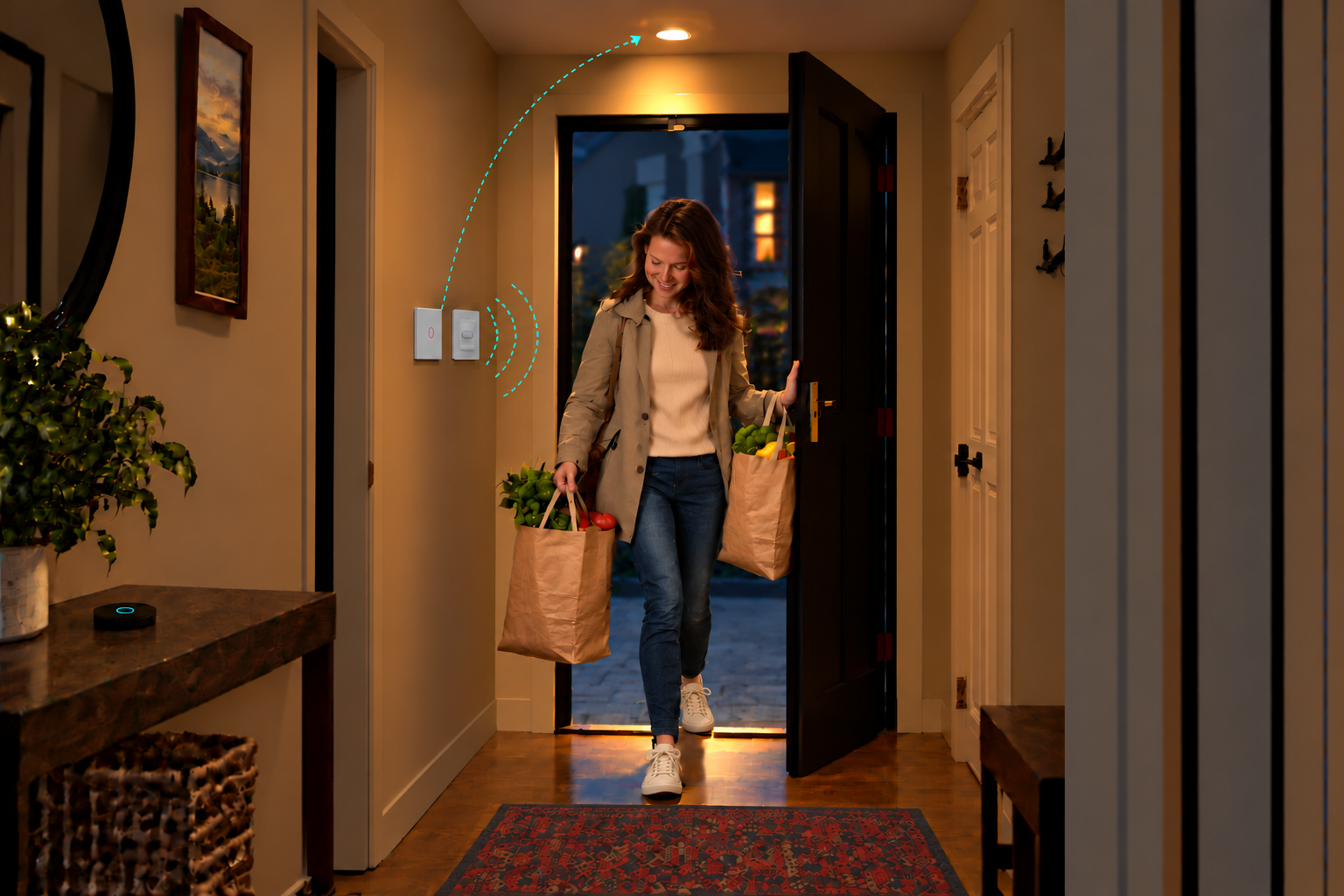
Walk in with your hands full and the light comes on. Control the same light from either end of a long hallway, or switch off without leaving your bed. Bring together LIVOLO switches, a human presence sensor and a LIVOLO Matter Gateway to make everyday lighting easier.
With compatible wiring and wall boxes, a single-live-wire model uses your existing live and lamp wires. No new control cable needed.
Add a compatible wireless switch by your bed, sofa or at the other end of the hallway. Easily control the same light from two places without a new control cable.
Set lighting scenes for heading out, relaxing or going to bed. Your wall switches still work as usual, with Matter and compatible voice control too.
THREE SPACES. PRACTICAL RETROFITS.
Three familiar frustrations.
Three practical ways to make life easier.
ENTRYWAY · PRESENCE-TRIGGERED LIGHTING
Your existing switch box has no neutral wire. You come home after dark with shopping bags in both hands and have to find the switch. And when you leave the hallway, it is easy to forget the light.
Pair a LIVOLO single-live-wire smart switch, a LIVOLO human presence sensor and a LIVOLO Matter Gateway. Replace the existing wall switch without changing compatible wiring. Set a routine in your supported Matter platform: lights on when you arrive, off when you leave, with a delay you choose in your Matter app.
Choose compatible switches, sensors, lighting loads and a Matter gateway. Available sensor events, delays and automations depend on firmware and your platform.
LONG HALLWAY · WIRELESS TWO-WAY CONTROL
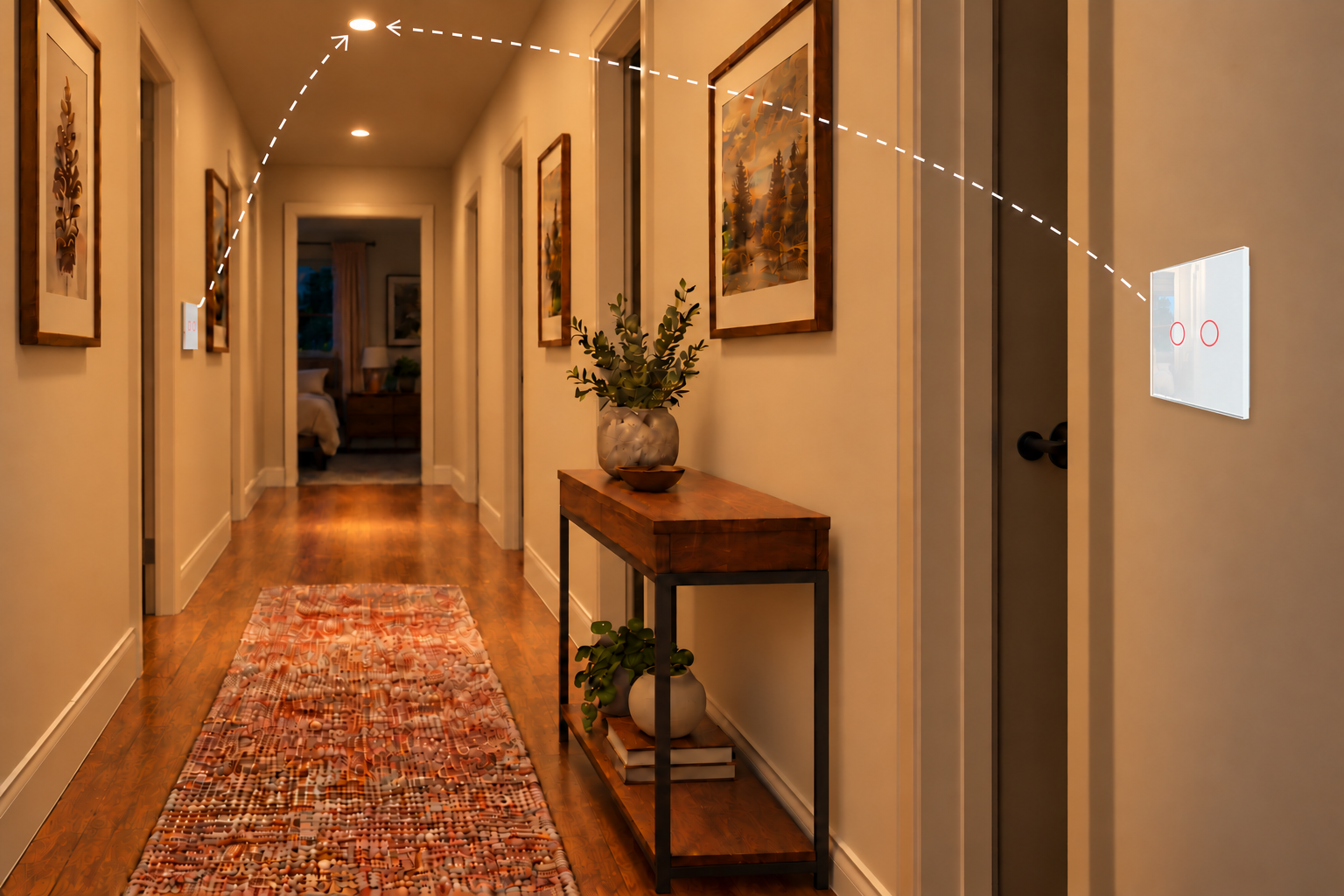
Your long hallway has a mechanical switch at only one end. You want a smart upgrade and another control at the other end, but your existing switch box has no neutral wire.
Replace your mechanical switch with a compatible LIVOLO single-live-wire smart switch, then stick a battery-powered LIVOLO wireless touch switch at the other end of the hallway. Link compatible devices through the LIVOLO Matter Gateway to control the same light from both ends. The added switch needs no control cable or neutral wire. You can also set up supported scenes, schedules and voice control in your Matter platform.
Have an electrician check the existing wiring and lighting load. Confirm wireless-switch pairing, gateway support and coverage before choosing your devices.
BEDROOM · ONE-TAP LIGHTS OFF
Before leaving or going to bed, you check every room to see if the lights are off. Switches are scattered around your older home, the boxes have no neutral wire, and you do not want to rewire just to add one master control.
Replace the bedroom wall switch with a LIVOLO single-live-wire smart switch. Stick a LIVOLO wireless touch switch beside the bed. Through the LIVOLO Matter Gateway, connect it and all your LIVOLO smart switches to the same Matter platform. Create an “All Lights Off” scene in the app. One tap on the bedside switch before sleep turns every light off together; you can still control the bedroom light separately. No neutral wire and no new control cables.
Scenes and automations are provided by supported Matter platform apps. Scene triggers and device limits vary by platform and model.
NO-NEUTRAL LIGHTING · CONNECTED ROUTINES
No neutral wire in your existing switch box? You can still enjoy smart lighting.
Replace your mechanical switch with a LIVOLO single-live-wire smart switch, using the existing live and lamp wires. Then connect to Apple Home, Google Home, Alexa or Samsung SmartThings through the LIVOLO Matter Gateway. Your wall switch works as usual, and your lights can join routines with locks, cameras and other smart home devices.
No neutral wire. No rewiring. Bring your existing lighting into Apple Home with a LIVOLO single-live-wire smart switch and Matter Gateway.
Manage room lighting in Apple Home and through supported HomeView interfaces.
THE DEVICES BEHIND YOUR RETROFIT
Choose models for your country,
wiring and lighting requirements.
Add smart control to your existing lighting system. For a switch box without a neutral wire, choose a single-live-wire model.
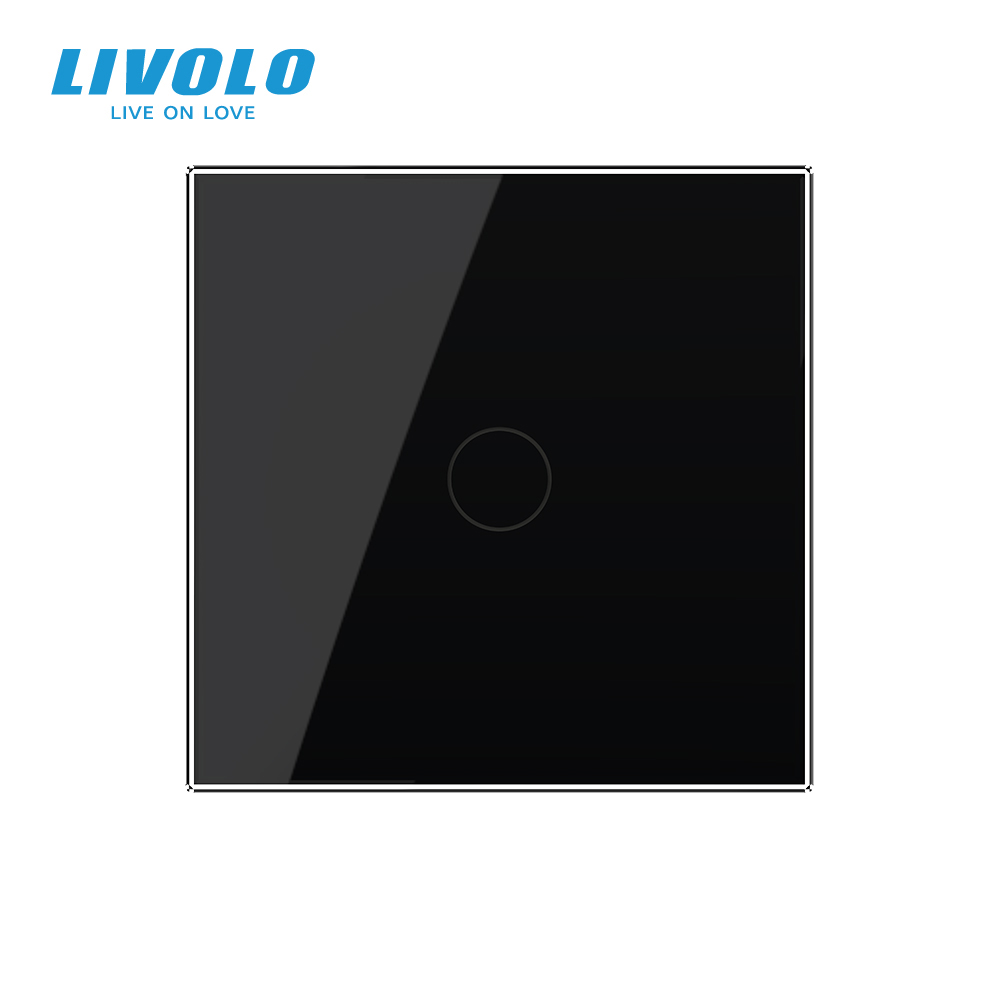
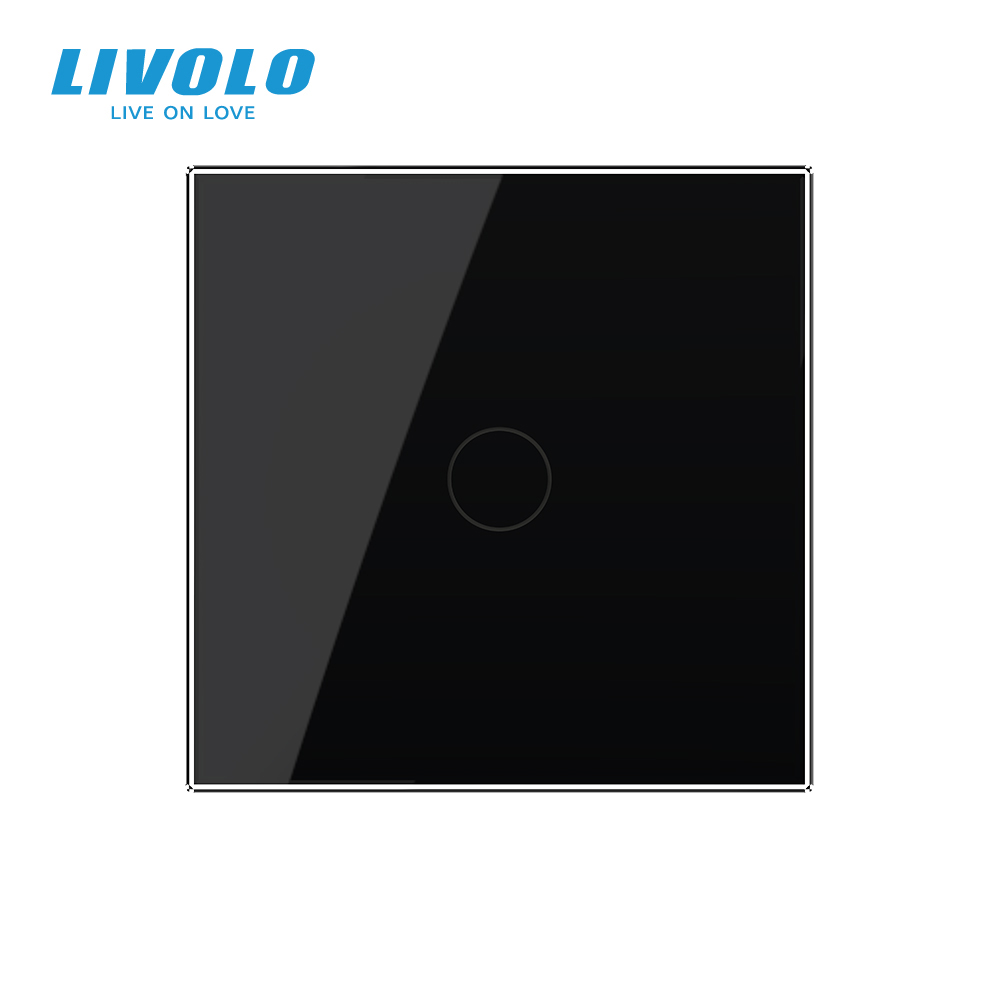
Choose a smart switch ↗Add a touch control beside the bed, sofa or hallway without new control wiring. Keep the original wall panel in use.
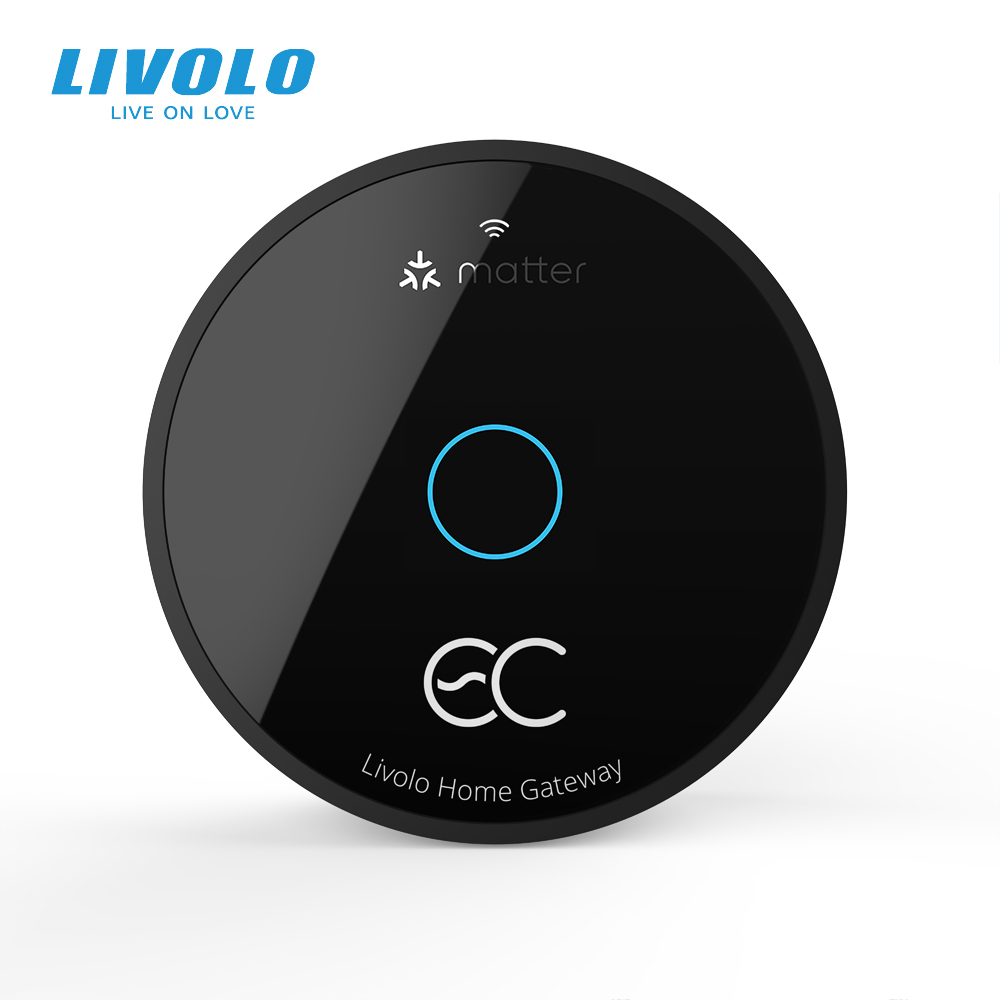
Choose a wireless switch ↗Bridge compatible LIVOLO switches and sensors to leading platforms such as Apple Home, Google Home, Alexa and Samsung SmartThings, and easily create smart automations in your Matter ecosystem.
Choose a Matter gateway ↗Let the lights welcome you into the entryway or hallway. Connect through the LIVOLO Matter Gateway and set up routines in your Matter ecosystem.
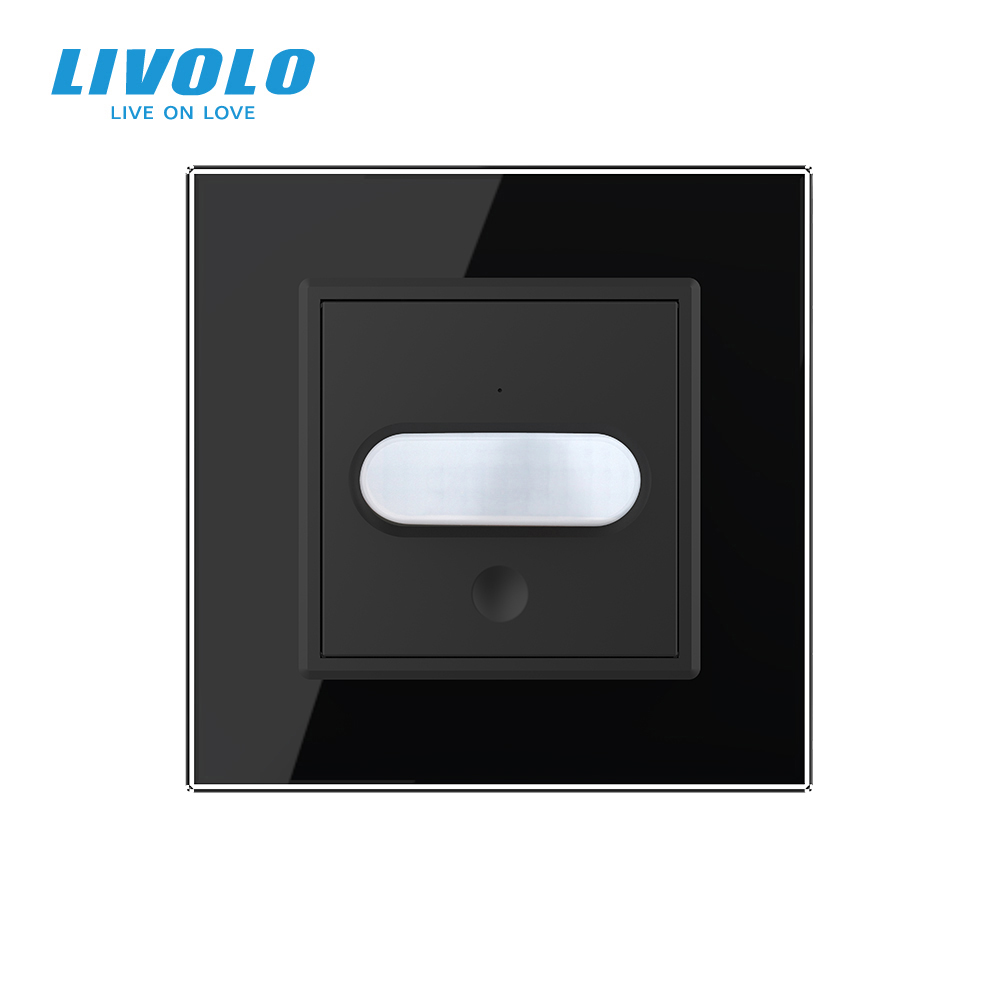
Choose a human presence sensor ↗BEFORE YOU CHOOSE. BEFORE YOU INSTALL.
From a welcoming light to switching off in bed,
here are the answers you need.
Check supply voltage, wall-box size, wiring and lighting load, then choose a model for your market. LIVOLO can help with those details and a photo of the switch front.
Yes—choose a compatible LIVOLO single-live-wire model for your existing live and lamp wires. Have an electrician confirm the lighting load.
Usually not. Keep existing lights if their type, wattage and load meet the selected switch’s requirements.
Yes. Stick a compatible battery-powered wireless switch at the other end and link it through a supported LIVOLO Matter gateway.
The wall touch panel still works. Remote access, voice control and some routines depend on your network, gateway and platform.
Yes. Use the glass touch panel like a regular switch; app, voice and wireless controls are optional.
One is usually enough for a standard apartment. Add gateways where floors, long corridors or thick walls limit coverage.
Connect a compatible human presence sensor and smart switch to the Matter gateway, then set “presence detected → light on” in a supported Matter app.
Not necessarily. Choose a supported off-delay in your Matter app; the light turns off after the sensor reports no presence.
Yes. Stick a LIVOLO wireless switch by the bed—no new wiring or sensor needed.
Yes. The LIVOLO Matter gateway bridges supported devices to compatible Matter platforms. Check device, gateway and platform support before ordering.
You can install a compatible smart switch on its own and use its wall touch control. Add a LIVOLO Matter Gateway to connect to the Matter ecosystem shown here or use features that require a gateway. Requirements depend on the switch model.
Currently works with Apple Home, Google Home, Amazon Alexa, Samsung SmartThings, Home Assistant, Aqara Home, Tuya, Homey and LIVOLO HOME. Available devices and features depend on gateway firmware and platform support.